norte / Orthodox file manager
Midnight Commander's keys, with a journal and a daemon behind them.
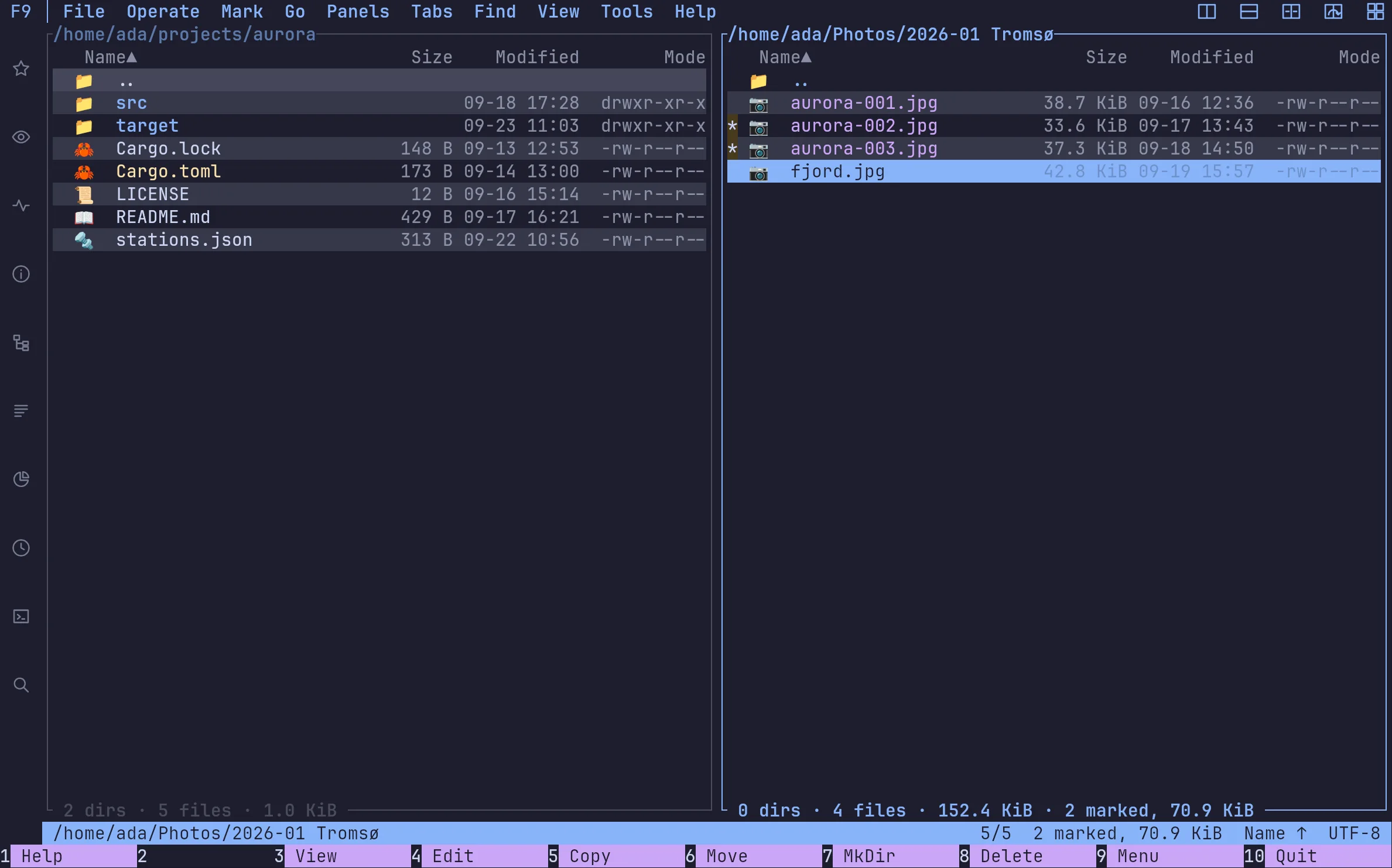
norte's default keymap imitates mc: F5 copies, F7 makes a folder, F8 deletes, q quits. What changes is underneath: copies are tasks you can pause, every change lands in a journal, and the terminal and a native window share one core.
Terminal · ntc
The two-pane file manager for any terminal. No desktop or background service required.
$curl --proto '=https' --tlsv1.2 -LsSf https://github.com/compilando/norte/releases/download/v0.3.0-alpha.16/norte-tui-installer.sh | shLinux x86_64, 15 MB, no root, installs into ~/.cargo/bin
Window · norte-gui
The native desktop app. Each package also includes ntc and norte.
01
The keys you already have
The orthodox preset is the default and follows Midnight Commander. If your fingers learned on something else, pick far, norton, total-commander, krusader, vim or cua instead; every command is in the palette with the key your preset gives it.
02
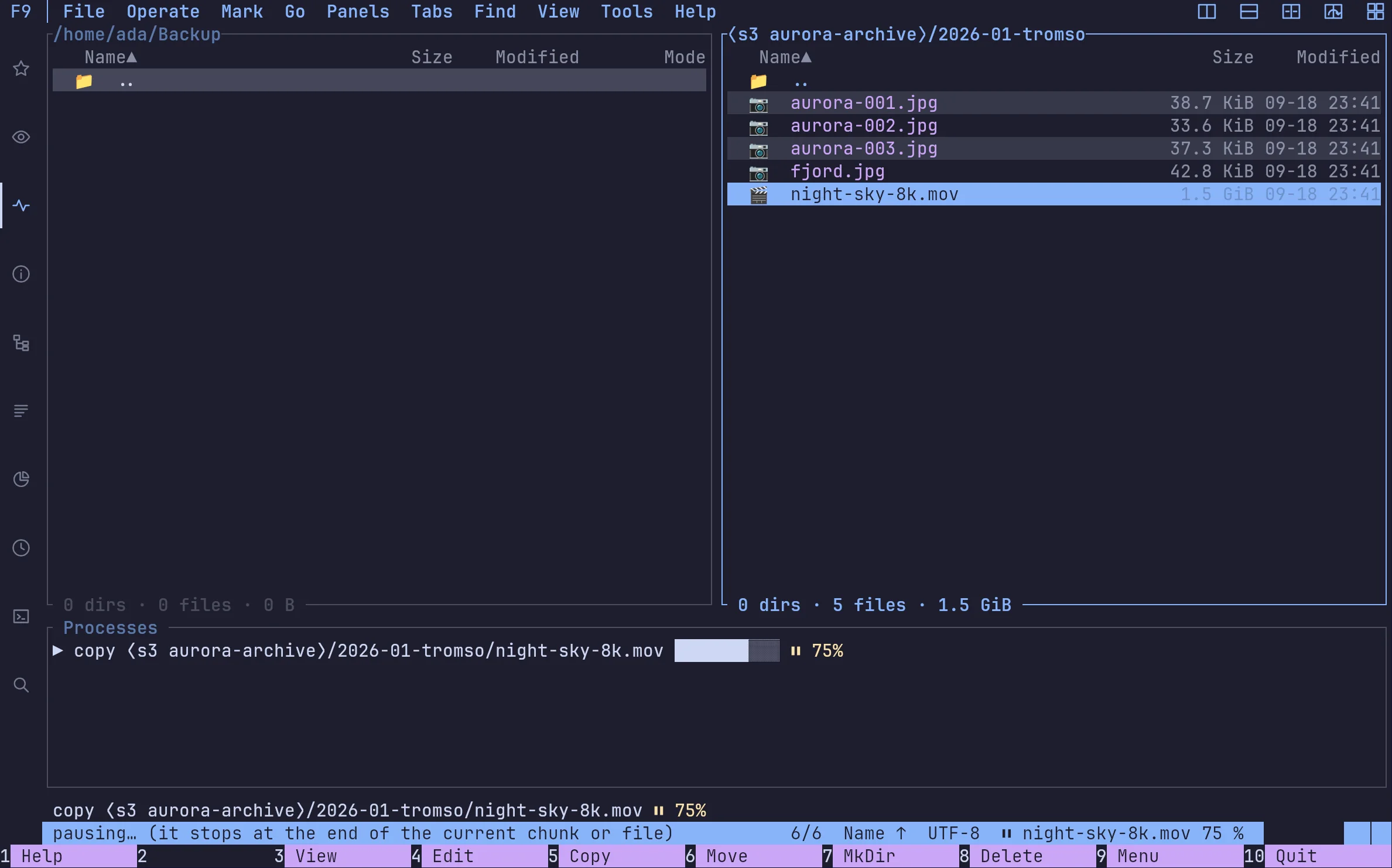
Copies you can pause
A copy runs in the background and shows in the status bar and the jobs list, where you can pause, queue or cancel it. Ctrl-C never leaves half a file behind.
03
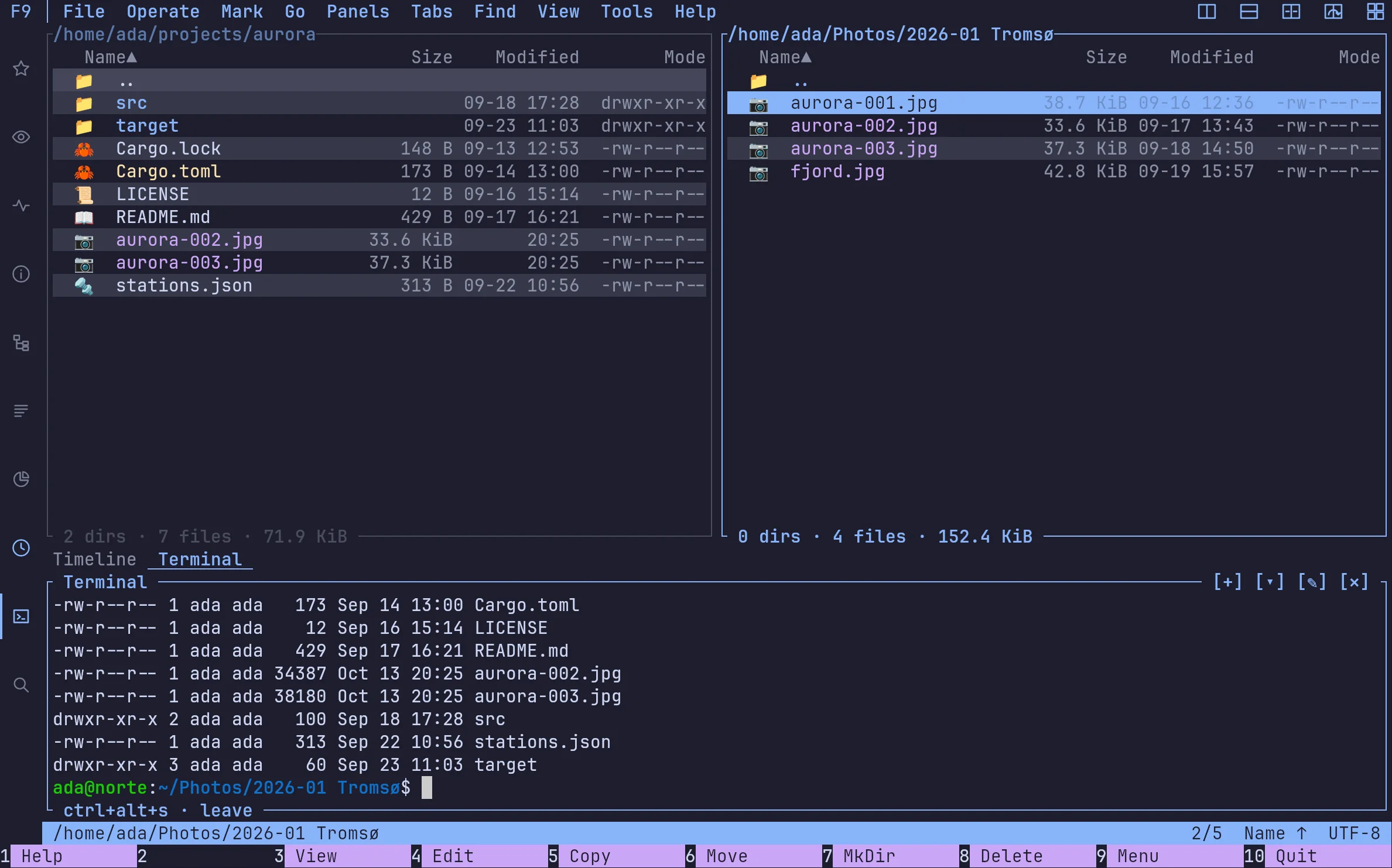
A shell under your files
Ctrl+Alt+S opens a real terminal in the focused directory, with colour, vim and less. Press it again to get the panes back; the shell keeps running.
04
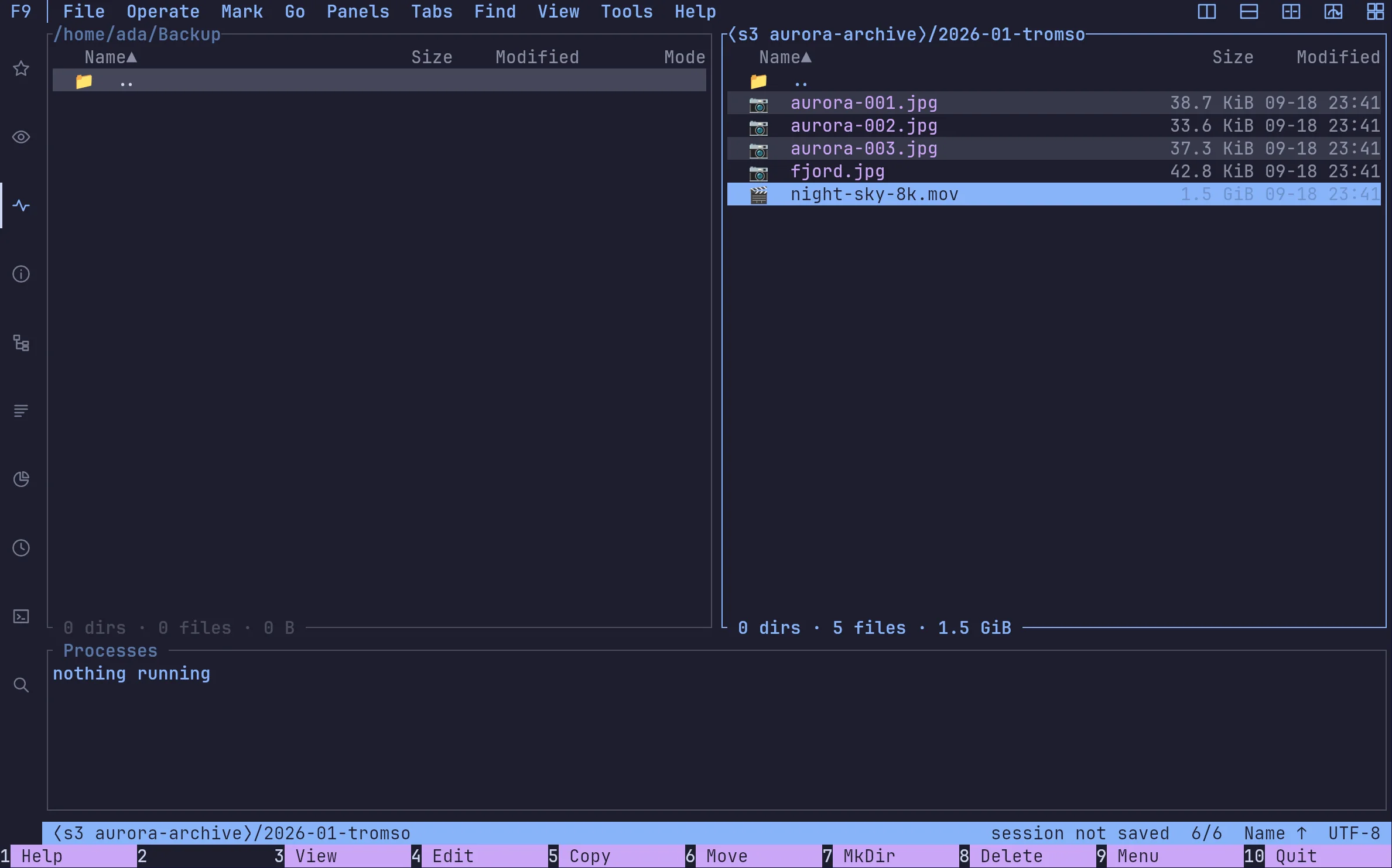
S3 is a pane, not a helper script
SFTP, FTP, S3 and ZIP/TAR/RAR archives go through one virtual filesystem, with the same keys and the same copy dialog. Buckets and prefixes are folders.
Coming from somewhere?
norte next to mc, Far, Total Commander and yazi.
| Feature | norte | Midnight Commander | Far Manager | Total Commander | yazi |
|---|---|---|---|---|---|
| Runs in a terminal | ✓ | ✓ | ✓ | — | ✓ |
| Native desktop window | ✓ | — | — | ✓ | — |
| Two panes by default | ✓ | ✓ | ✓ | ✓ | —Miller columns |
| Several screens on one core (daemon) | ✓ | — | — | — | —DDS syncs state, not tasks |
| SFTP | ✓ | ✓ | Via pluginNetBox | Via pluginSFTP plugin | ✓ |
| S3 / object storage | ✓ | Via plugins3+ extfs, reported broken | Via pluginNetBox | Via pluginthird-party wfx | — |
| Archives as folders | ✓ | ✓ | ✓ | ✓ | Via pluginarchivemount.yazi |
| Journal of every operation | ✓hash-chained | — | — | Partlyoptional log file | — |
| AI agents, under a policy (MCP) | ✓ | — | — | — | — |
| Plugins, sandboxed with consent | ✓WASM, per capability | —scripts, full rights | —native DLLs | —native DLLs | —Lua, no sandbox documented |
| Copies in the background | ✓ | ✓ | Via plugin | ✓ | ✓ |
| Platforms | Linux · Windows (preview) · macOS from source | Linux · macOS · BSD | Windows (far2l fork: Linux, macOS) | Windows · Android | Linux · macOS · Windows |
| License | AGPL-3.0 (protocol MIT/Apache) | GPL-3.0+ | BSD-3-Clause | Shareware | MIT |
Checked against each project's own documentation on 26 September 2026. Something wrong or out of date? Tell us in an issue.
When norte is not the one for you
You need macOS binaries today.
Far Manager's far2l and yazi ship them; on macOS norte builds from source for now.
You want decades of battle-testing.
Midnight Commander has them. norte is an alpha, and says so.
You like Miller columns and a big Lua ecosystem.
That is yazi, and it is excellent at it.
Whichever you pick, you are in good company. If one of them serves you well, star it, report a bug, send a patch or just thank its maintainers: the orthodox family is still going because of them.
FAQ
›Does norte use Midnight Commander's keys?
By default, yes: the orthodox preset imitates mc — F3 view, F5 copy, F6 move, F7 mkdir, F8 delete, q to quit. Shift+F8 deletes permanently.
›Does it run over SSH?
Yes. ntc runs in any terminal with its core embedded: nothing to start first. The Linux installer puts it in ~/.cargo/bin without root.
›Should I replace mc with it?
Not on faith. norte is an alpha and mc has decades of use behind it. Install it next to mc, try it on real work, and keep whichever serves you.
Download
Ready to point north?
Install the Linux alpha today, or build norte anywhere Rust runs. No account and no telemetry.
ntc — the file manager
$curl --proto '=https' --tlsv1.2 -LsSf https://github.com/compilando/norte/releases/download/v0.3.0-alpha.16/norte-tui-installer.sh | shnorte — daemon, CLI, MCP
$curl --proto '=https' --tlsv1.2 -LsSf https://github.com/compilando/norte/releases/download/v0.3.0-alpha.16/norte-cli-installer.sh | shThe window · one bundle, three binaries
Windows · first preview, unsigned
Each package carries norte and ntc with it, so a clean install always has a daemon to talk to.
Linux x86_64, and a first Windows x86_64 preview. macOS builds from source; binaries come the day releases are built in CI.