norte / Features

Everything norte does, one capture at a time.

The home page tells the idea. This is the detail: every step of the tour, every remote, every theme and the plugins at work — all captured from the current build.

A tour, in real captures
A quick tour, straight from the build.

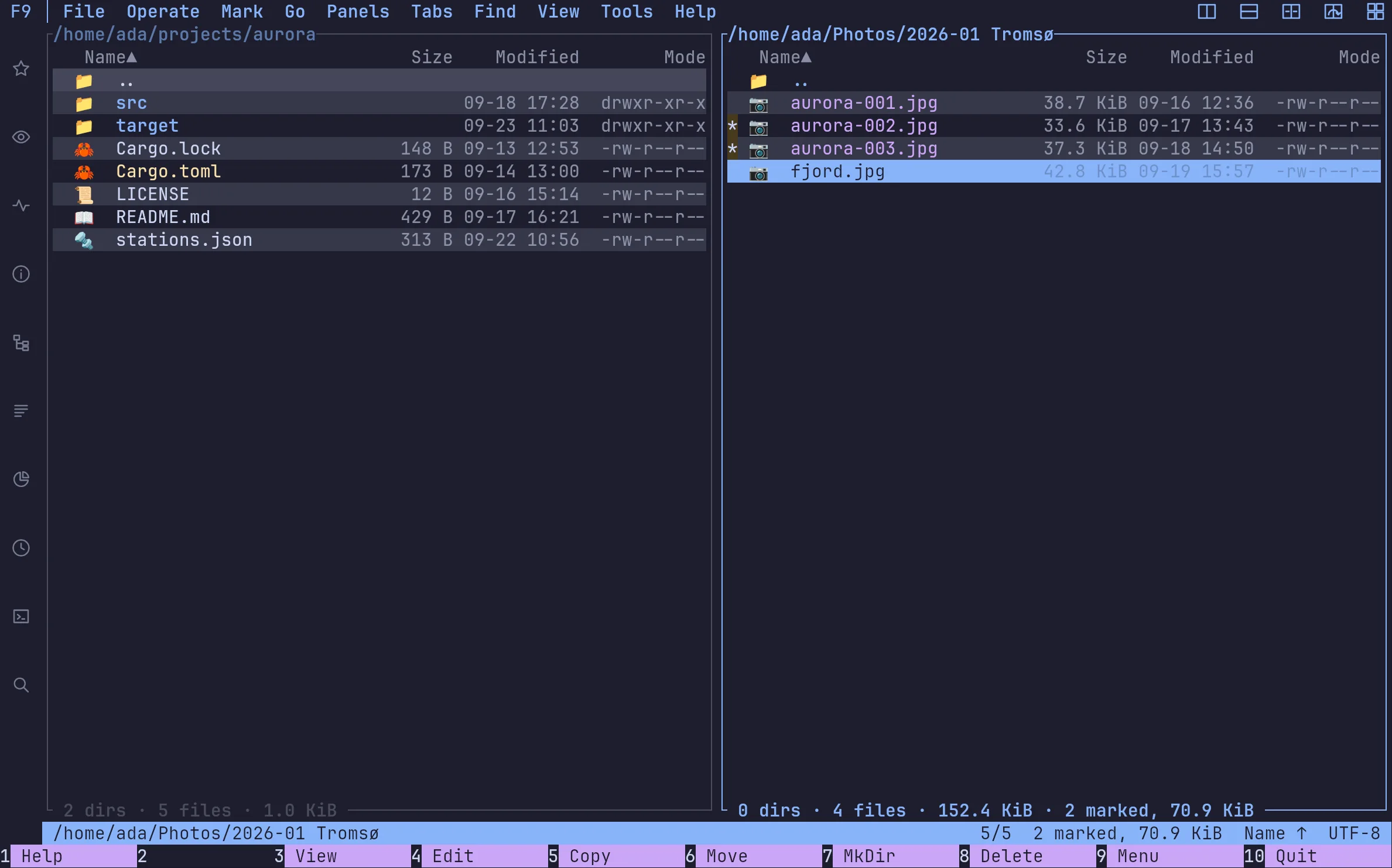
ada@norte — Two panes
One is where you are. The other is where things go.

One is where you are. The other is where things go.

The orthodox model: no dialog ever asks where to. Marks, sizes, free space and the encoding of the listing are always on screen. Names are bytes, so 東京 and Tromsø are just names.

TabInsertF5

One core, two screens

The same screens, in the terminal and in the window

Same keys, same themes, same layout, same journal. Start in ntc over SSH, carry on in the window at your desk: the tabs, the directories and even what you had marked travel with you.
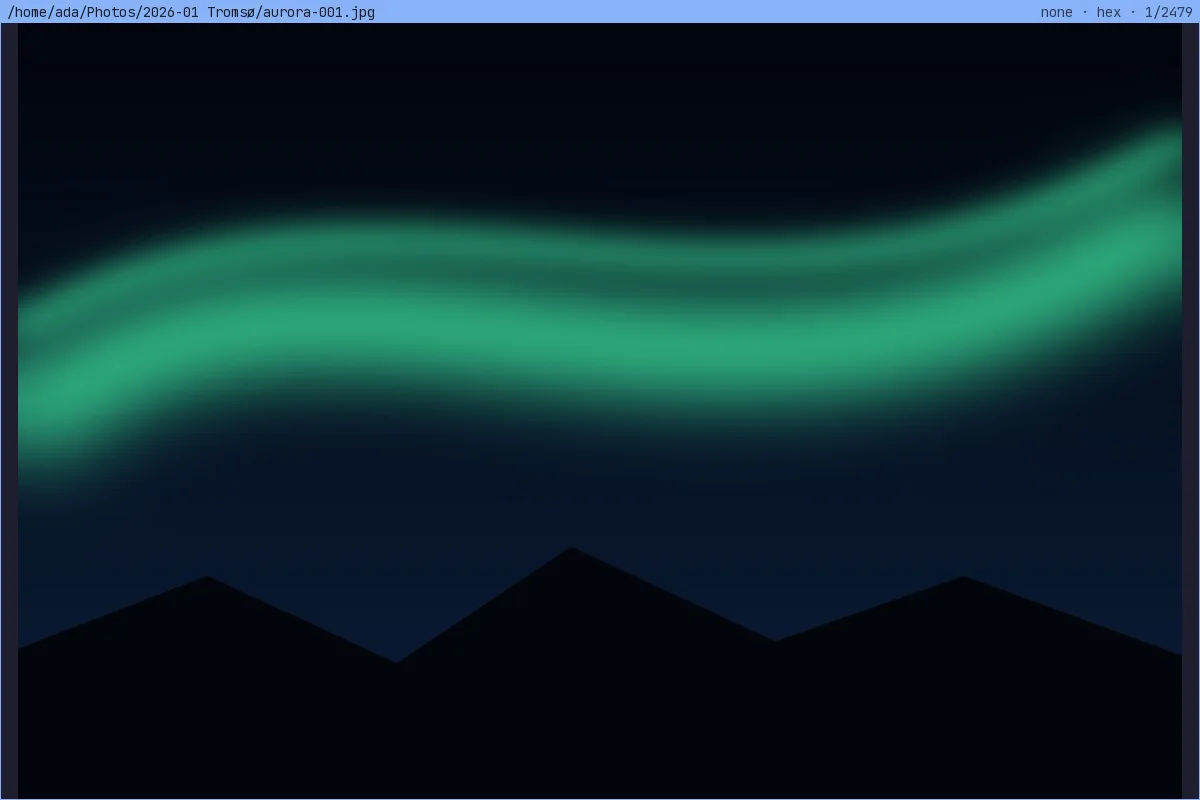
The viewer, pixel for pixel
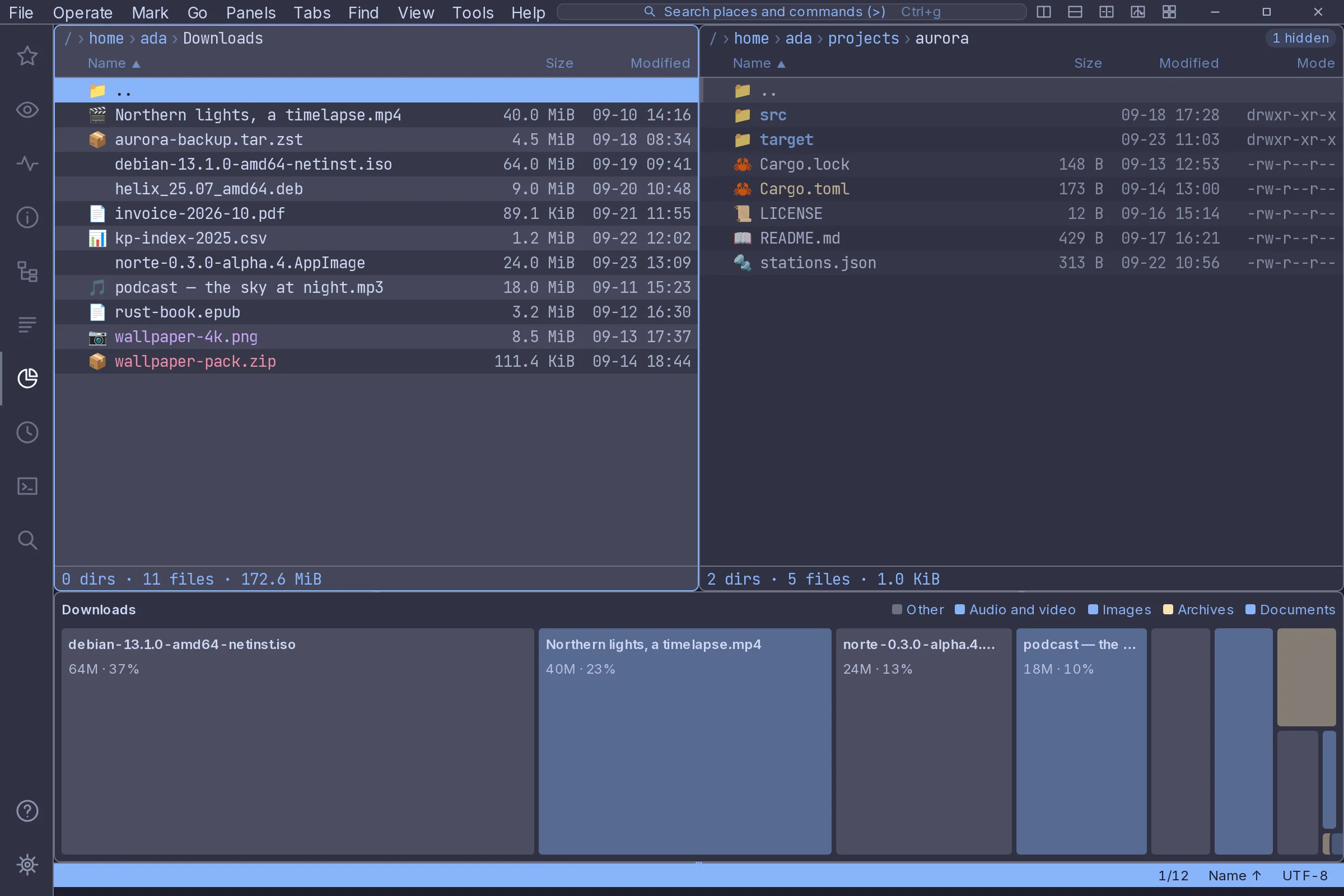
The disk map, as a treemap
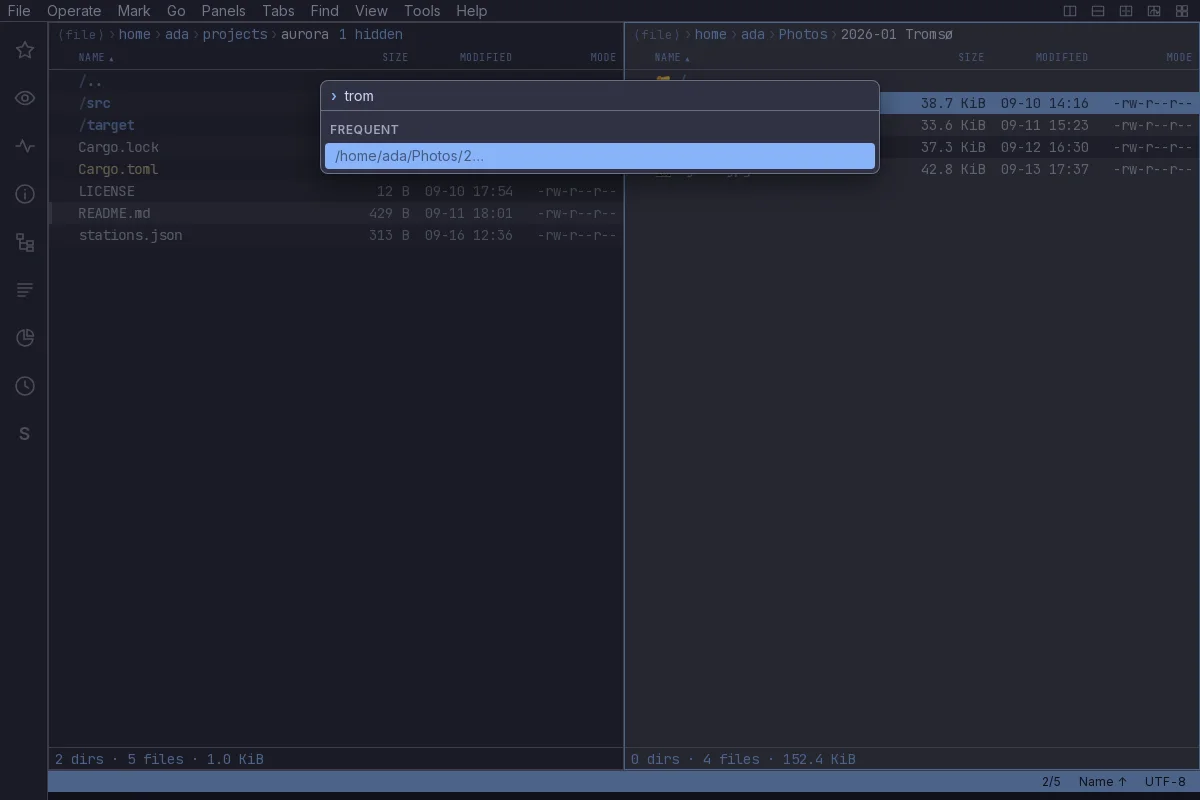
Go anywhere
Go anywhere
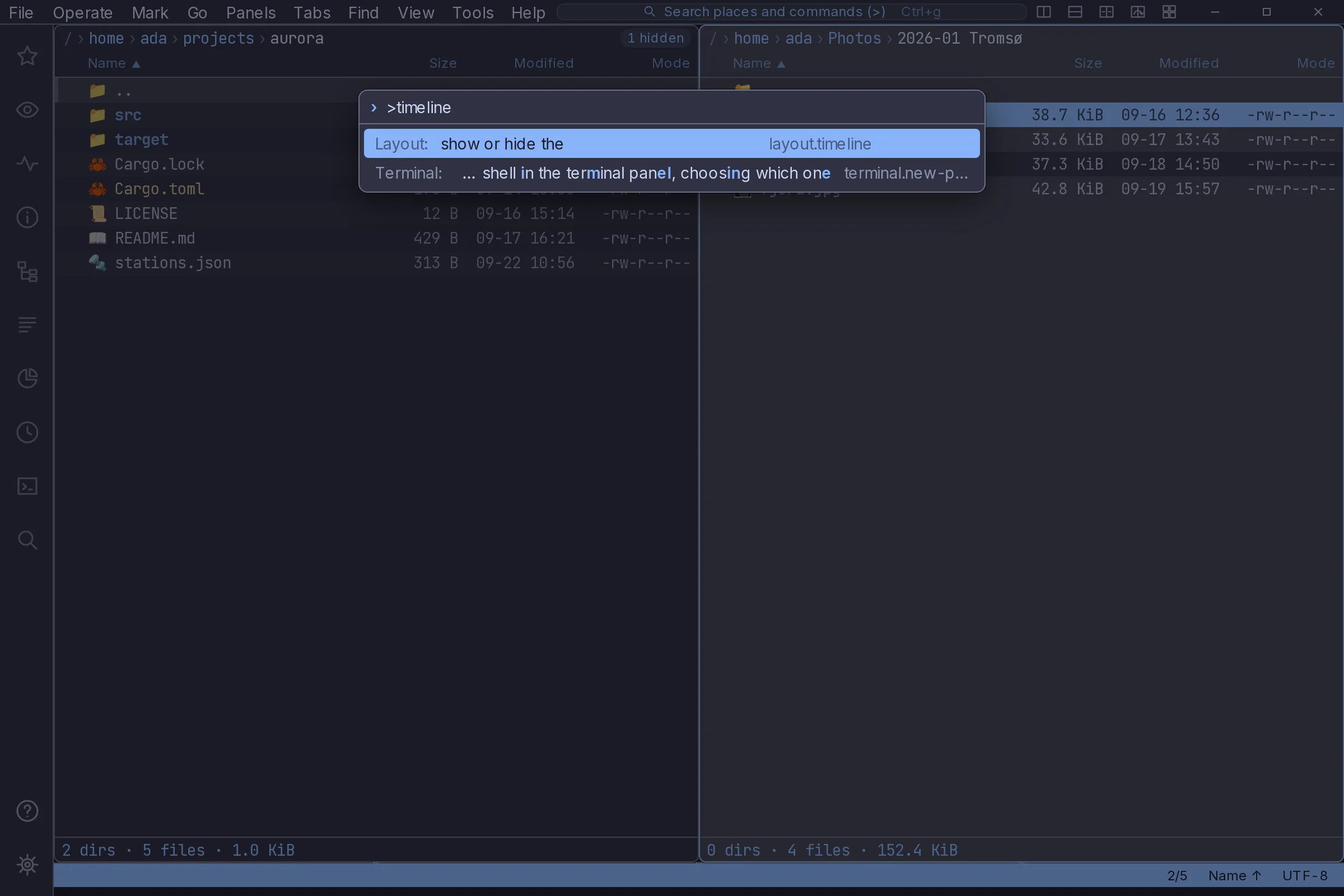
Every command, by name
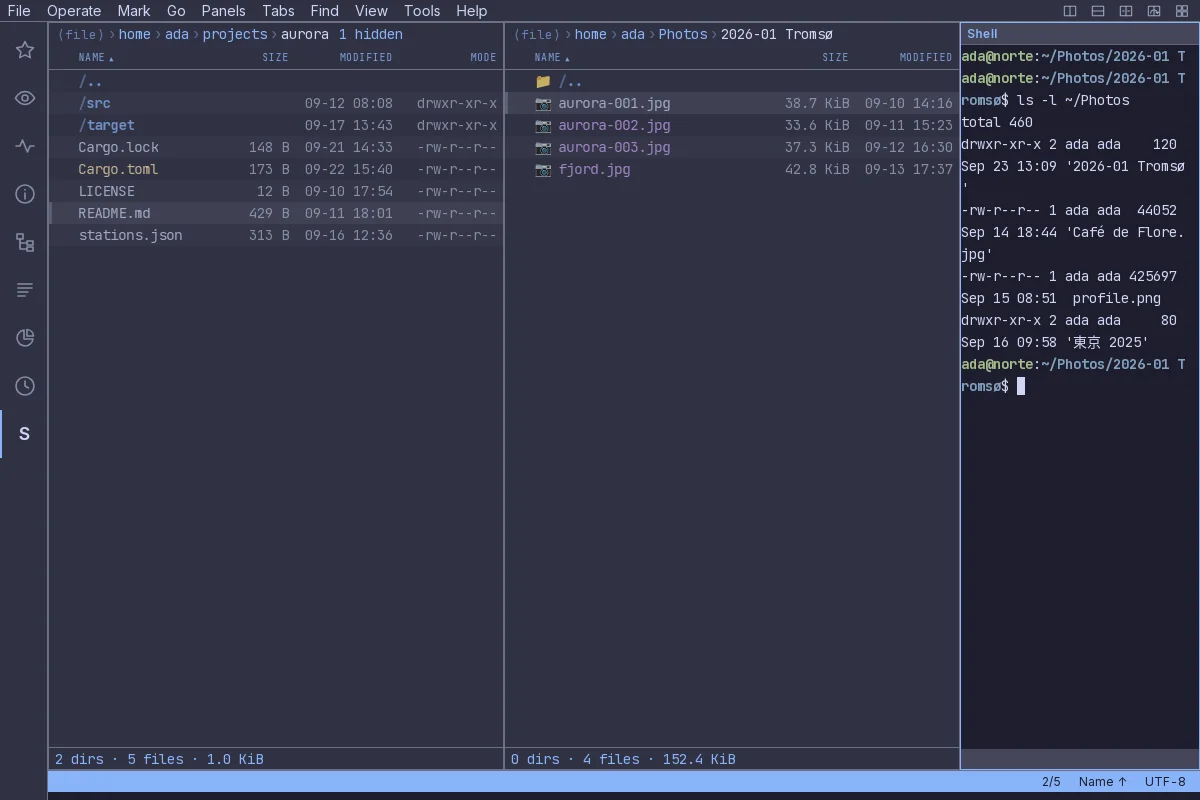
A shell in a panel
A shell in a panel
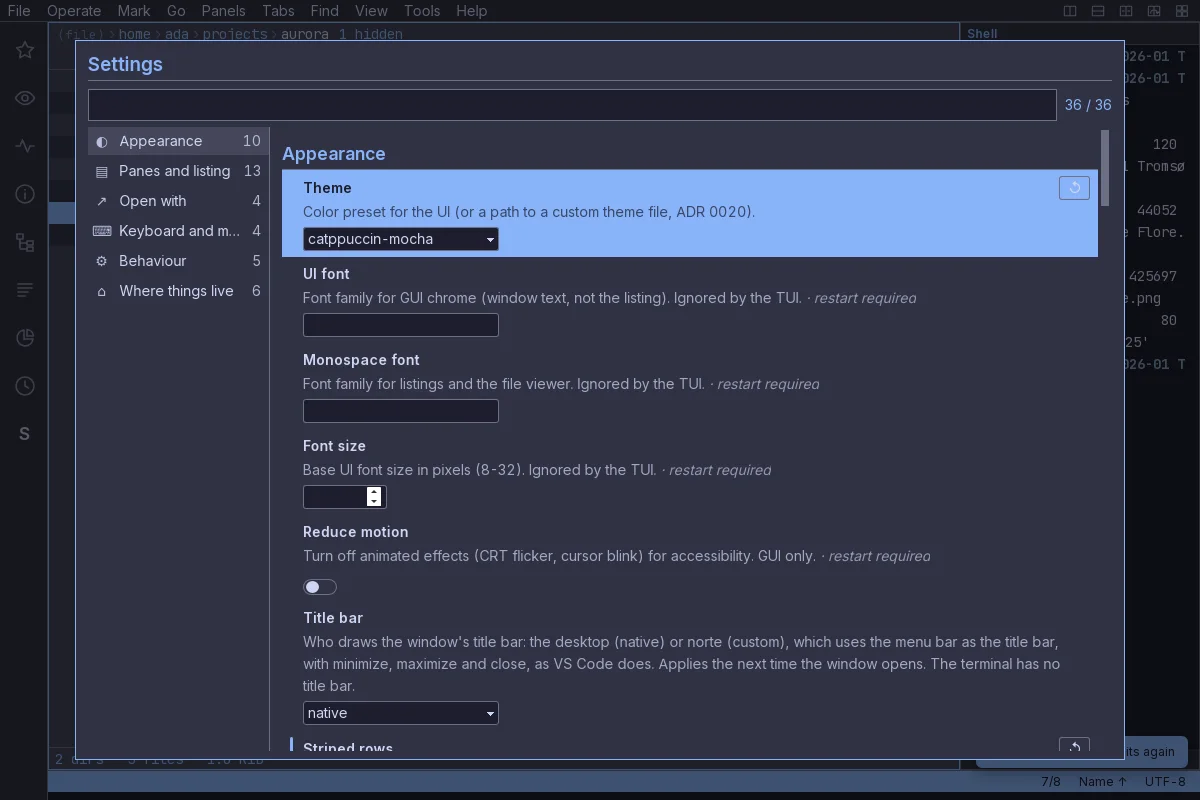
Settings with real controls

Everywhere your files are

A Raspberry Pi, a bucket or a zip is just another pane.

Local disks, SFTP, FTP, S3 and archives go through one virtual filesystem: the same keys, the same copy dialog, the same journal. The daemon keeps the connections open for every client.
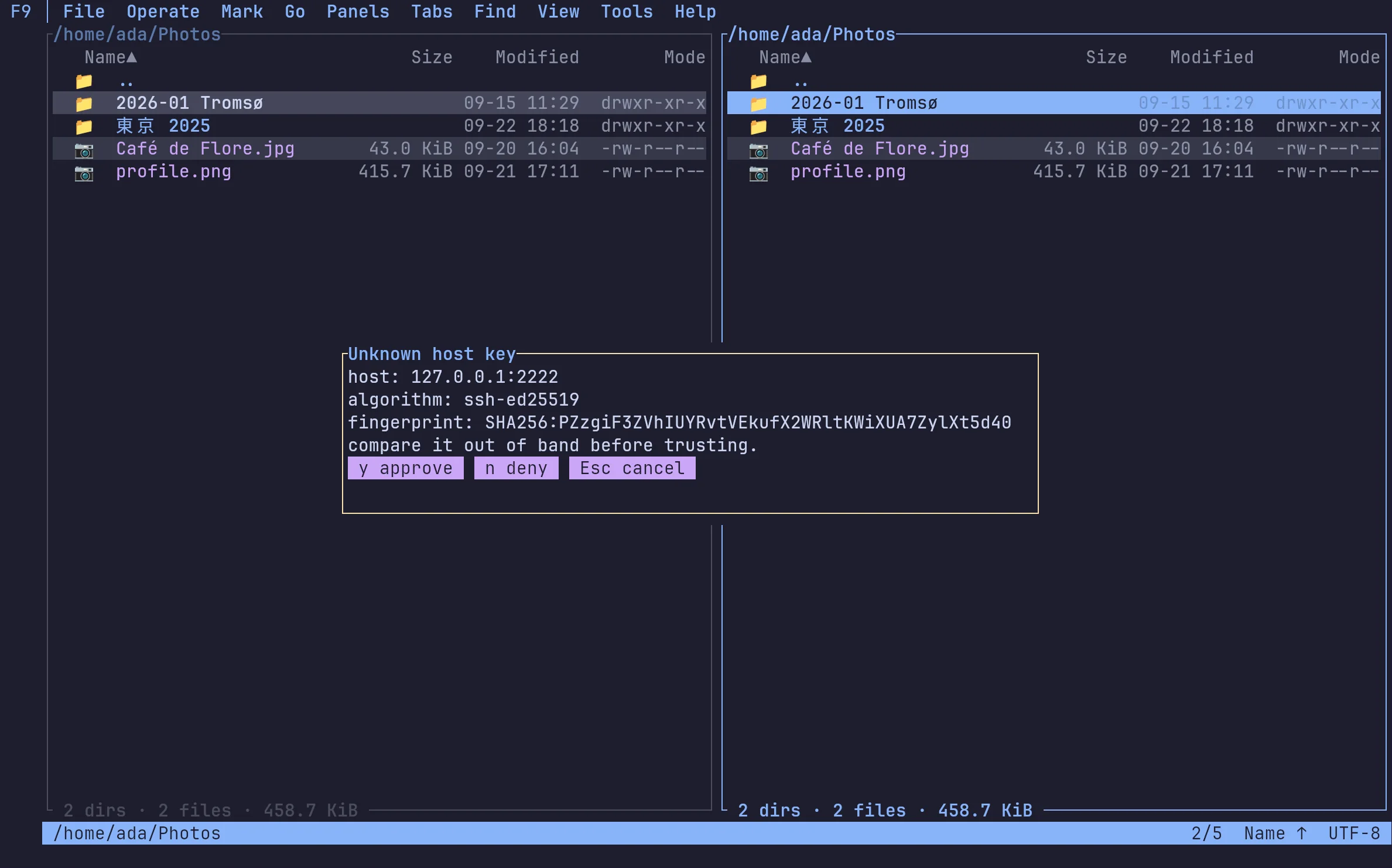
ada@norte — SFTP
First contact asks: the host key's fingerprint, before a single byte moves.
SFTPFirst contact asks: the host key's fingerprint, before a single byte moves.
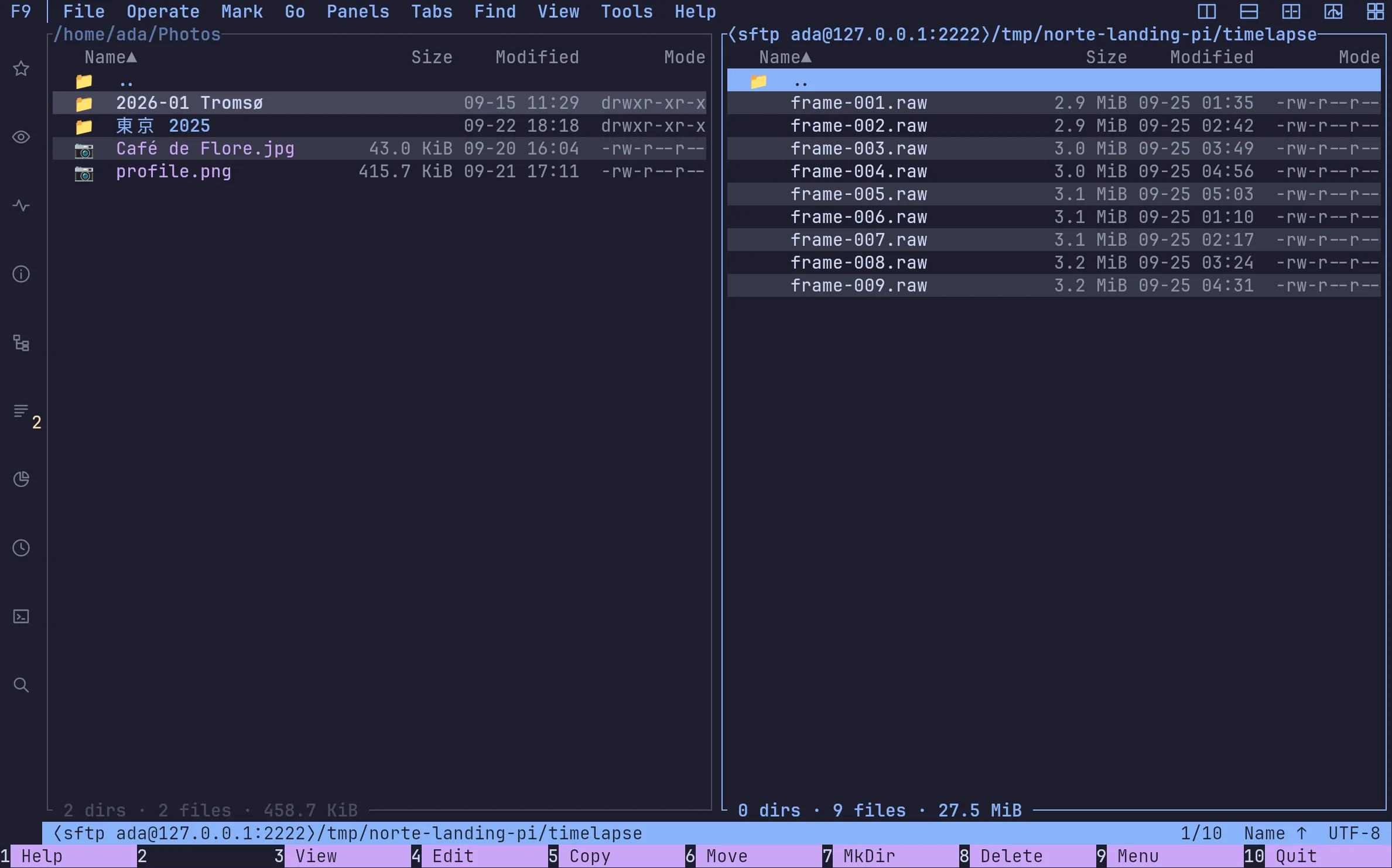
ada@norte — SFTP
Then the Pi is a pane like any other: browse, view, copy.
SFTPThen the Pi is a pane like any other: browse, view, copy.
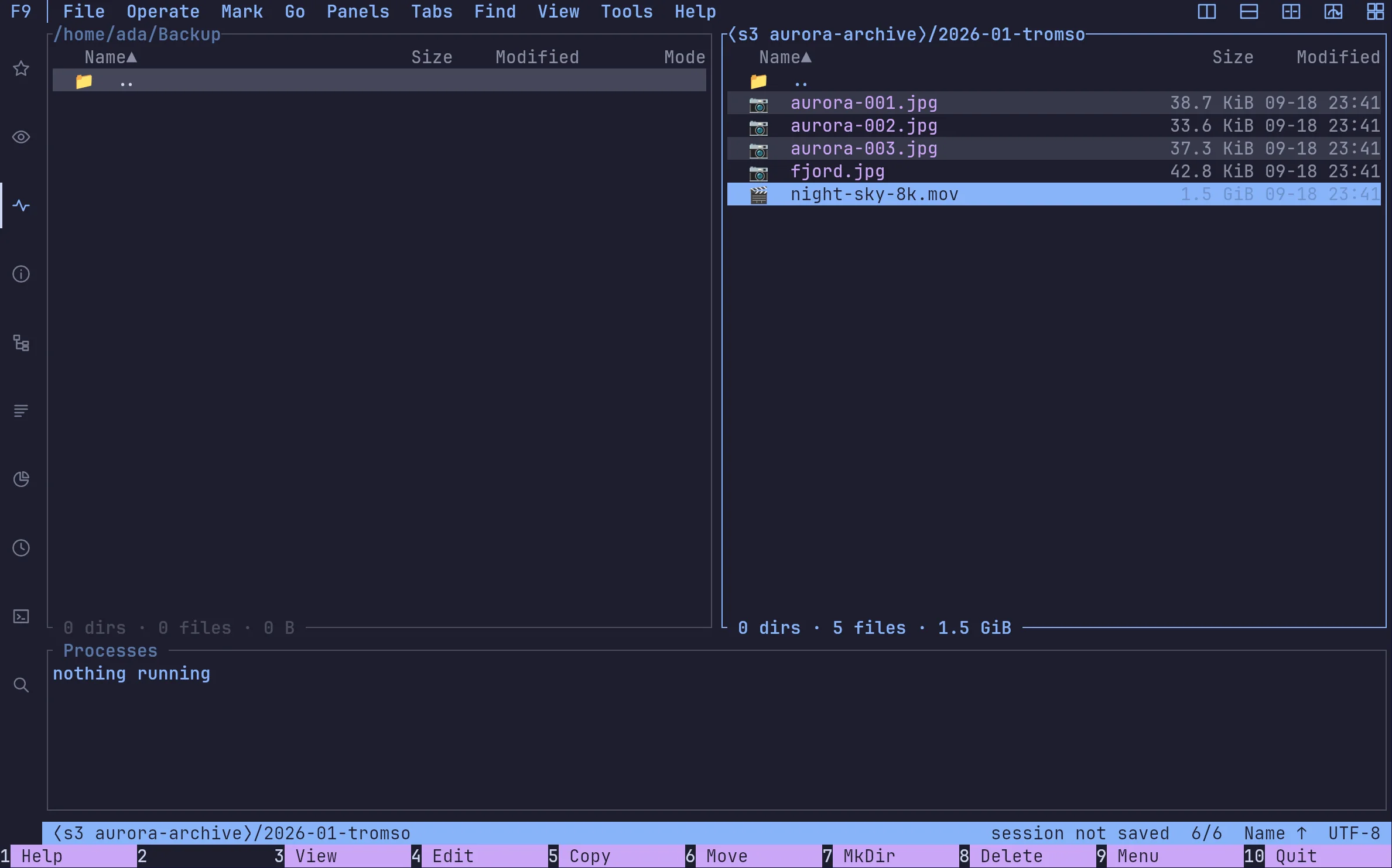
ada@norte — S3
Buckets and prefixes as folders. AWS, MinIO, anything that speaks S3.
S3Buckets and prefixes as folders. AWS, MinIO, anything that speaks S3.
ada@norte — Archives
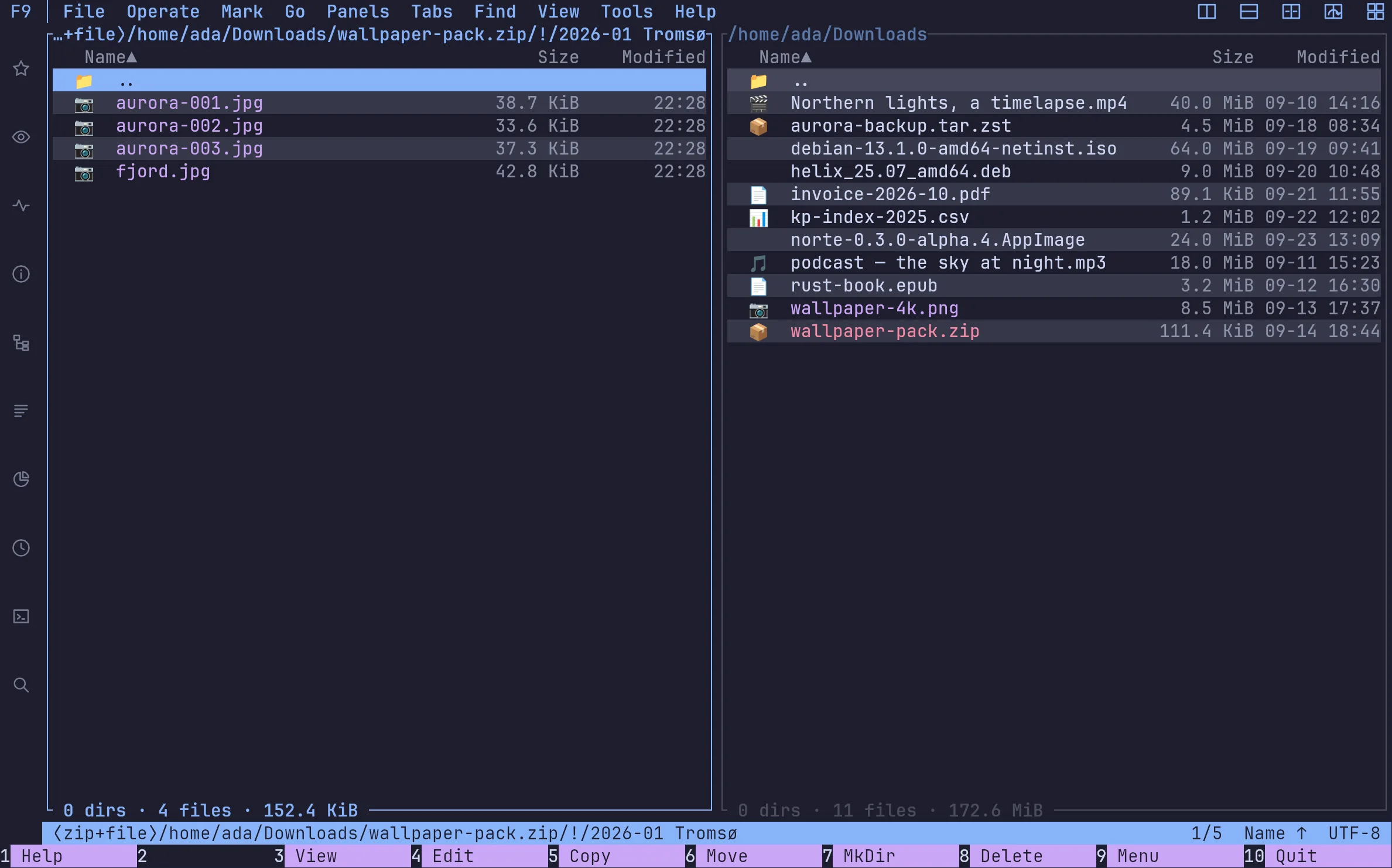
ZIP, TAR (gz, zst…) and RAR open as read-only directories. Browse, view and copy out without extracting first.
ArchivesZIP, TAR (gz, zst…) and RAR open as read-only directories. Browse, view and copy out without extracting first.
ada@norte — Compare & sync
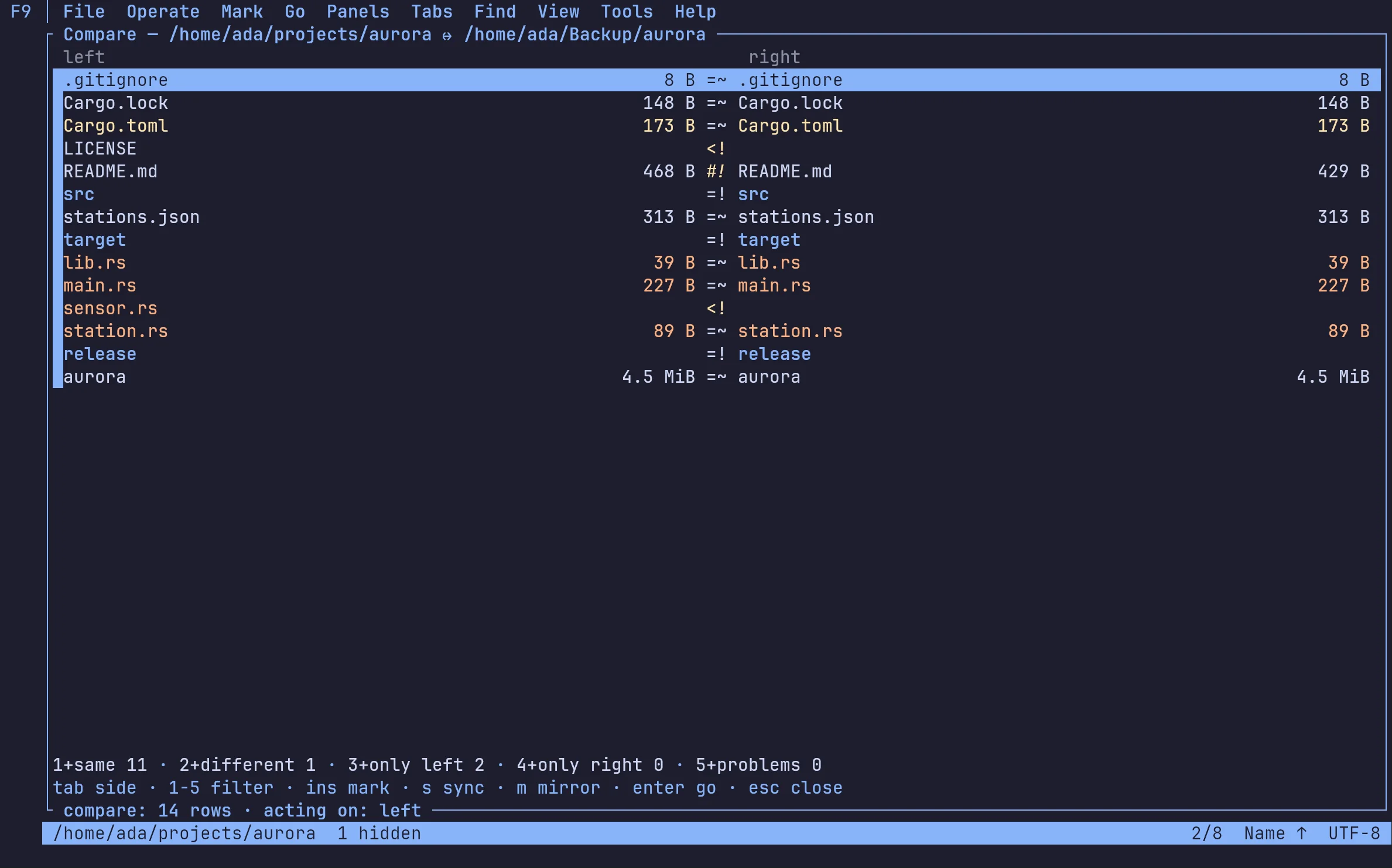
Two trees side by side — the same, different, only here, only there — then a sync plan you approve in one go, every change in the journal.
Compare & syncTwo trees side by side — the same, different, only here, only there — then a sync plan you approve in one go, every change in the journal.

Background work · the journal

Close the window; the copy keeps going.

Open ntc with --daemon, or use the window, and the work runs in the norte daemon: it keeps the task alive when a screen closes, and any other client finds it at the same percentage. Every change lands in one journal, with who made it.
01

The job does not live in the window

Copy, move or sync and keep working. The daemon keeps the operation alive; pause, resume or cancel it without leaving half a file.

02

One change. One entry. One author.

Terminal, window, script or agent: every operation reaches the same journal, in order and attributed.

03

Start here. Continue there.

Open ntc over SSH, then resume on your desktop. Tabs, directories and marks come with ntc --attach.

Try it

Start the core

$norte daemon run

Attach a terminal

$ntc --daemon

…and another one

$ntc --daemon ~/Backup

Or script it

$norte --daemon cp ~/big.iso /mnt/nas/

A Unix socket in your runtime directory, checked against your user. No port is opened.

Ten themes, both frontends
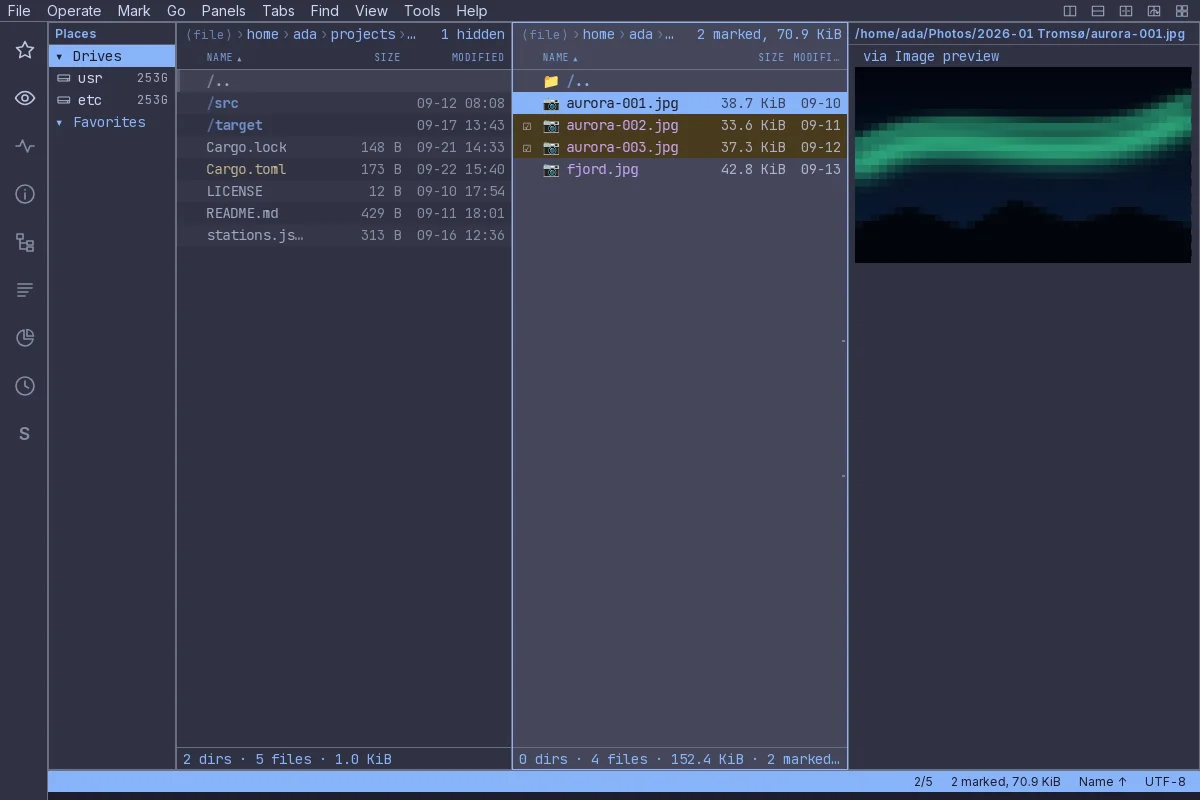
Make it look like the rest of your desk.

Catppuccin, Gruvbox, Nord, VS Code, two CRT phosphors and norte's own. One theme file paints the terminal and the window alike, and the window can follow your desktop between a light one and a dark one.
norte-gui — Catppuccin Mocha
norte in the Catppuccin Mocha theme, window

Pick one: real captures, nothing recoloured.

In norte.toml

[ui]
theme = "catppuccin-mocha"

Yours is not here? Bring it from VS Code.

norte theme import reads a VS Code colour theme and writes a norte theme the picker offers by name. --use makes it the one you see.

$norte theme import dracula.json --use

Plugins, sandboxed

At work, in these captures

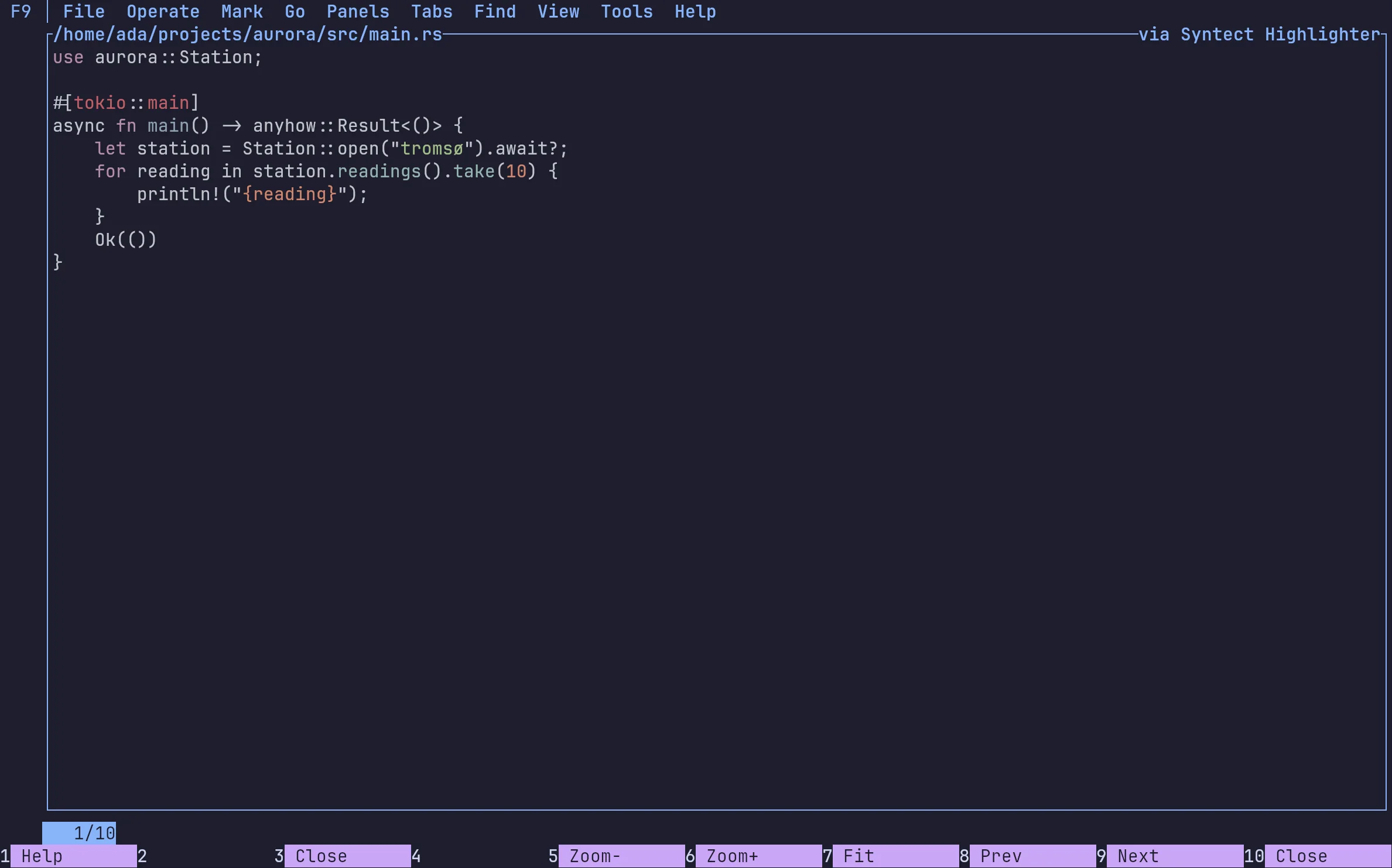
A plugin is a WebAssembly component. It runs in a sandbox with no filesystem, no network and no way to start a program: it gets exactly the capabilities its manifest declares, and a person approves them before anything runs.
ada@norte — image-ansi
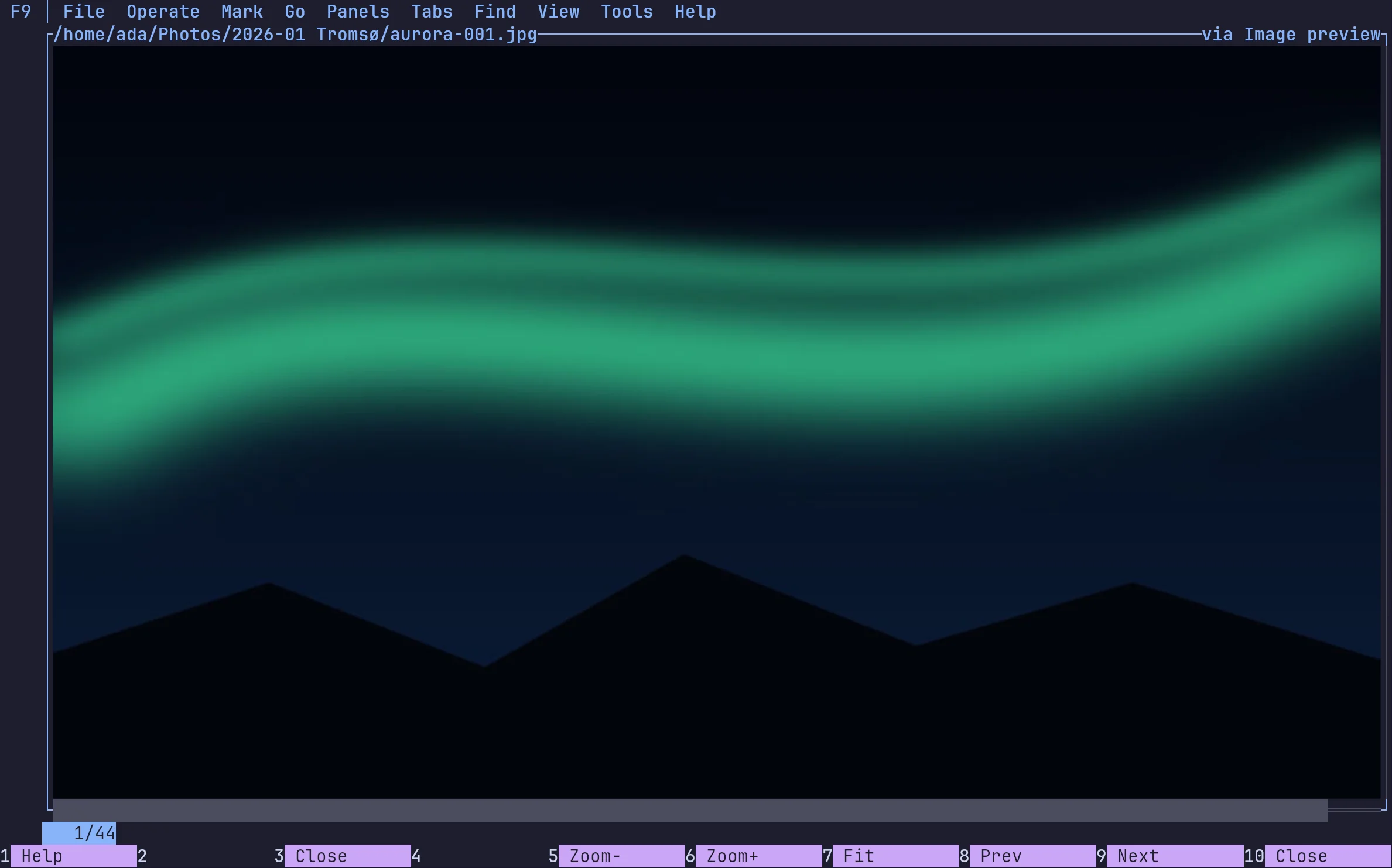
image-ansi: a photo as half-block cells, in any terminal
ada@norte — markdown
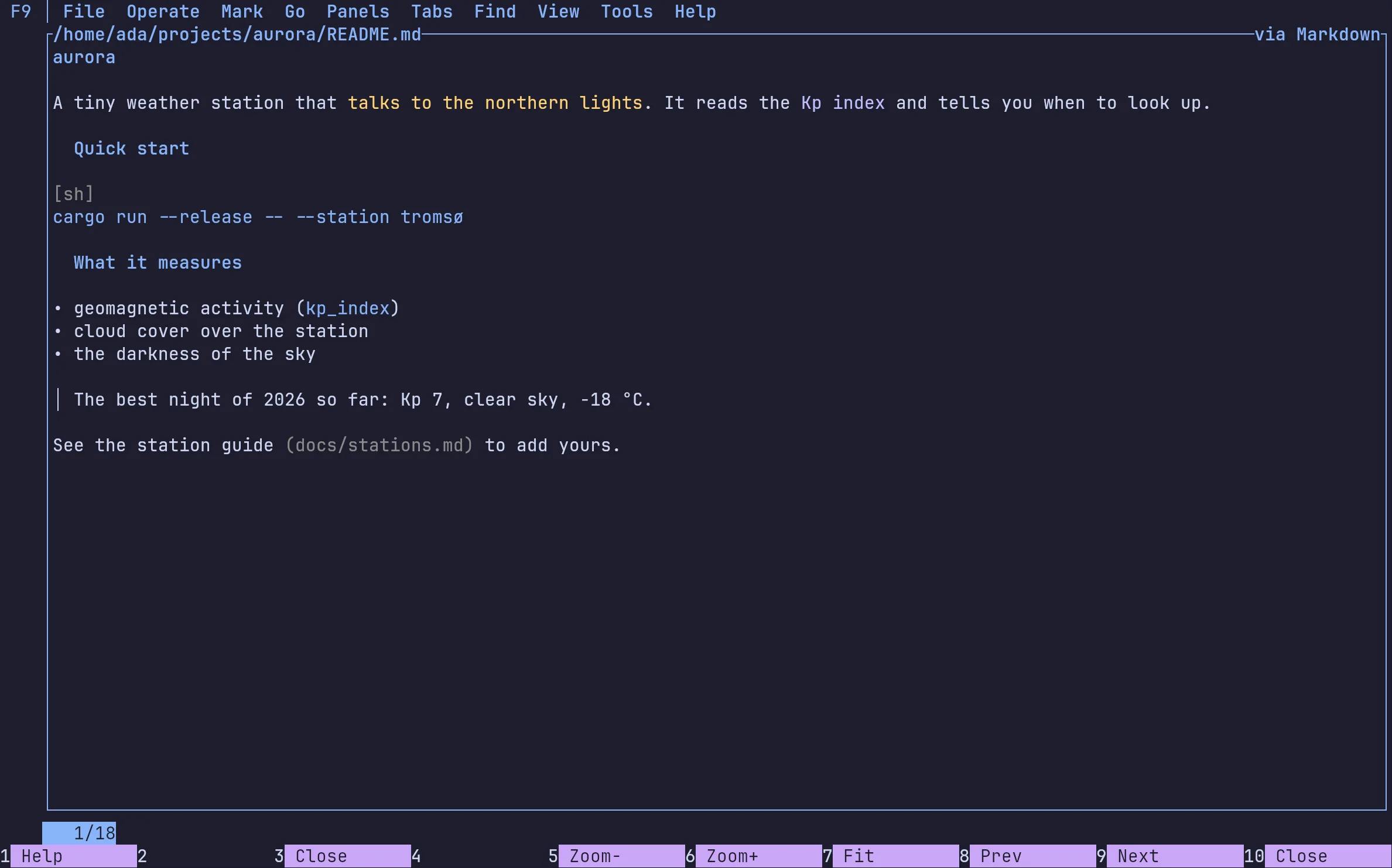
markdown: headings, emphasis, code, lists and quotes
ada@norte — syntect
syntect: highlighting, reading that one file and nothing else

Every call has 10 seconds, the plugin 64 MiB of memory, and an answer over its caps is rejected whole, never silently cut.

Write your own

Start from the template

$cp -r plugins/template my-plugin

Build it for WASI

$cargo build --release --target wasm32-wasip2

Install it (it arrives unapproved)

$norte plugin install ./stage
Read the plugin author guide→

New in v0.3 alpha

What the latest alphas brought.

A disk map you can read

Alt+Z

A disk map you can read

A real treemap: rectangles coloured by type, with name, size and share inside, and a legend. In the terminal too.
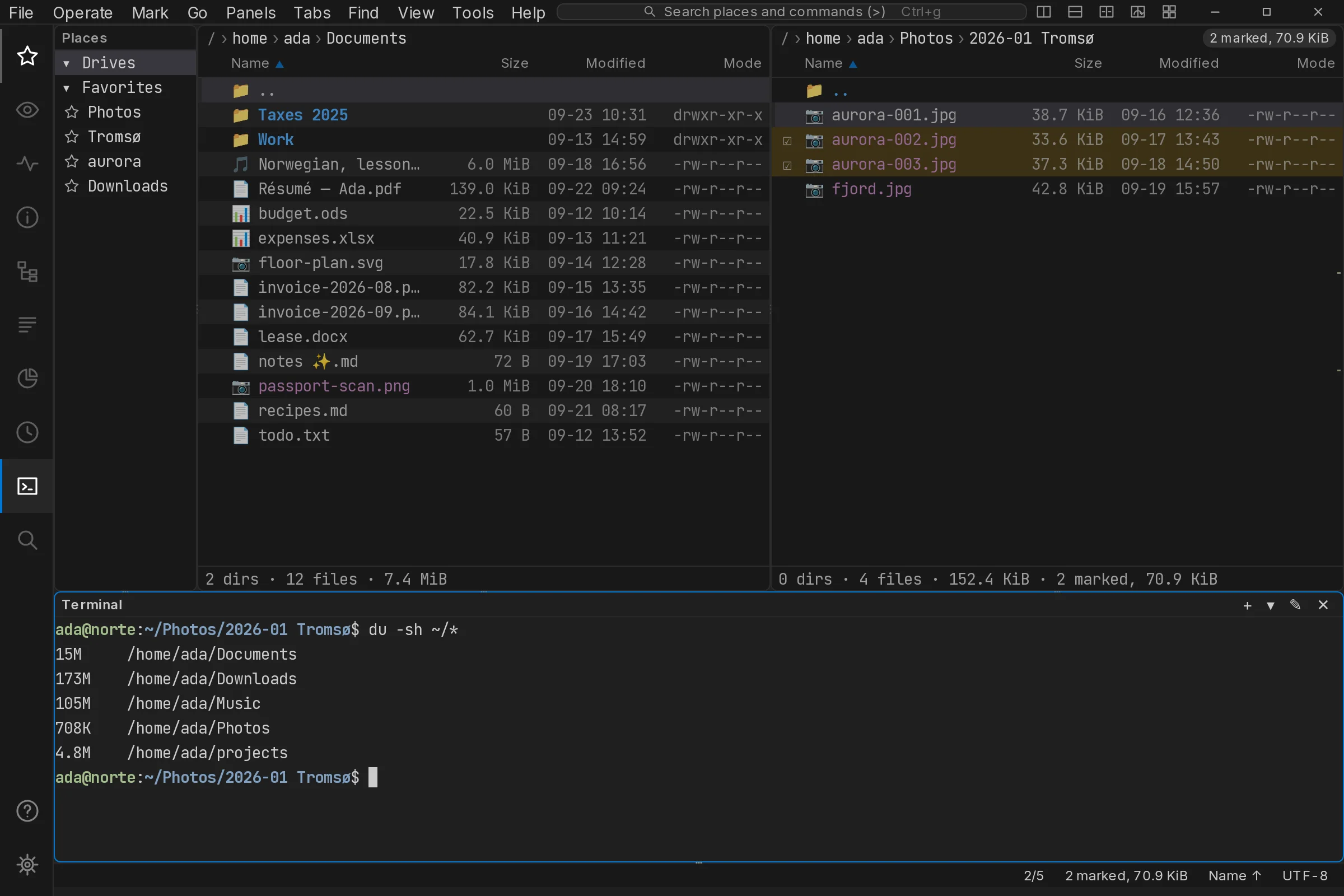
The window, polished

ADR 0172

The window, polished

Its own title bar with a Go to box, rounded panes, icons in the listing, notification cards and a remote indicator.
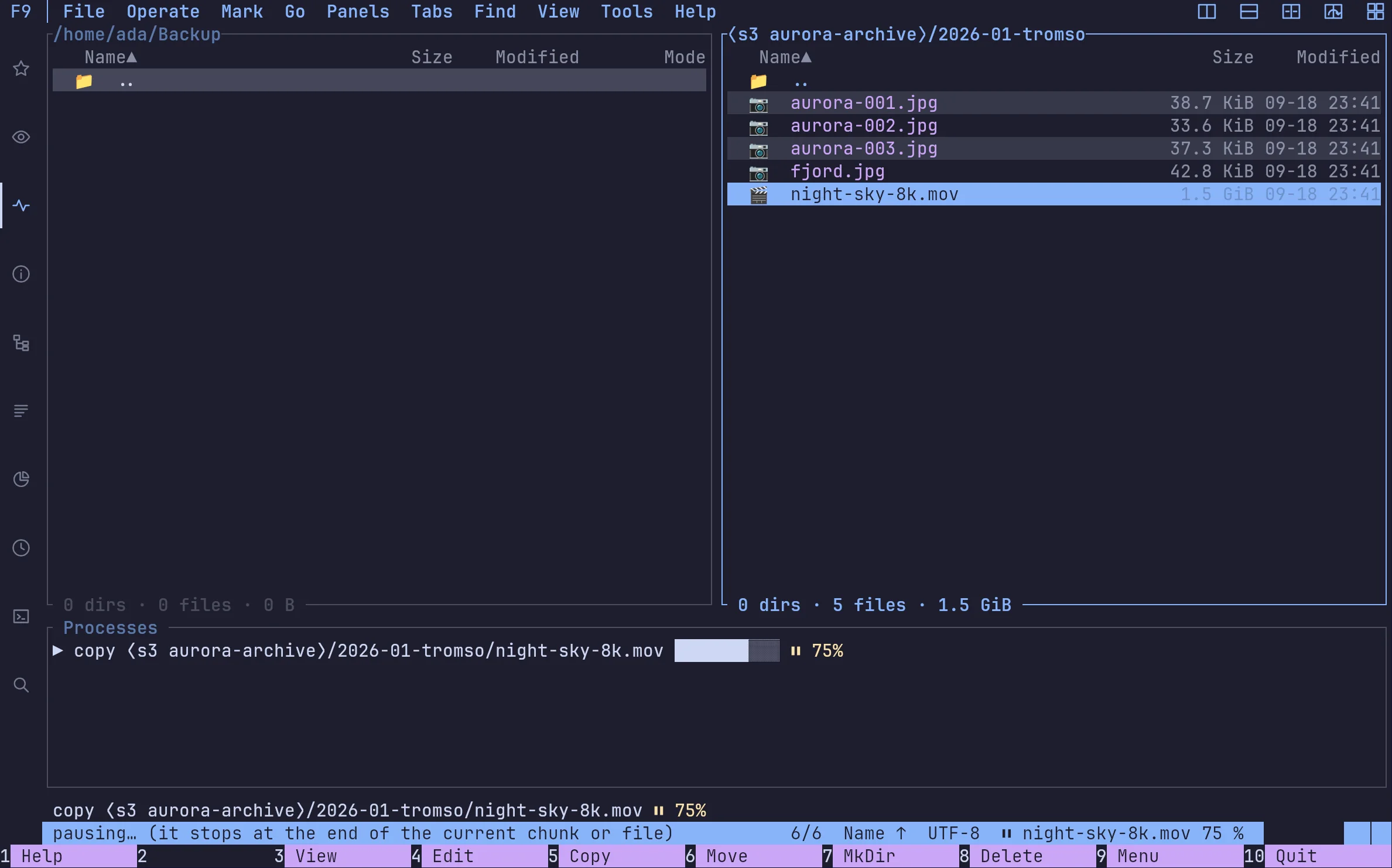
Pause and resume

Ctrl+Alt+K

Pause and resume

A copy stops at the end of its chunk and carries on where it left off.
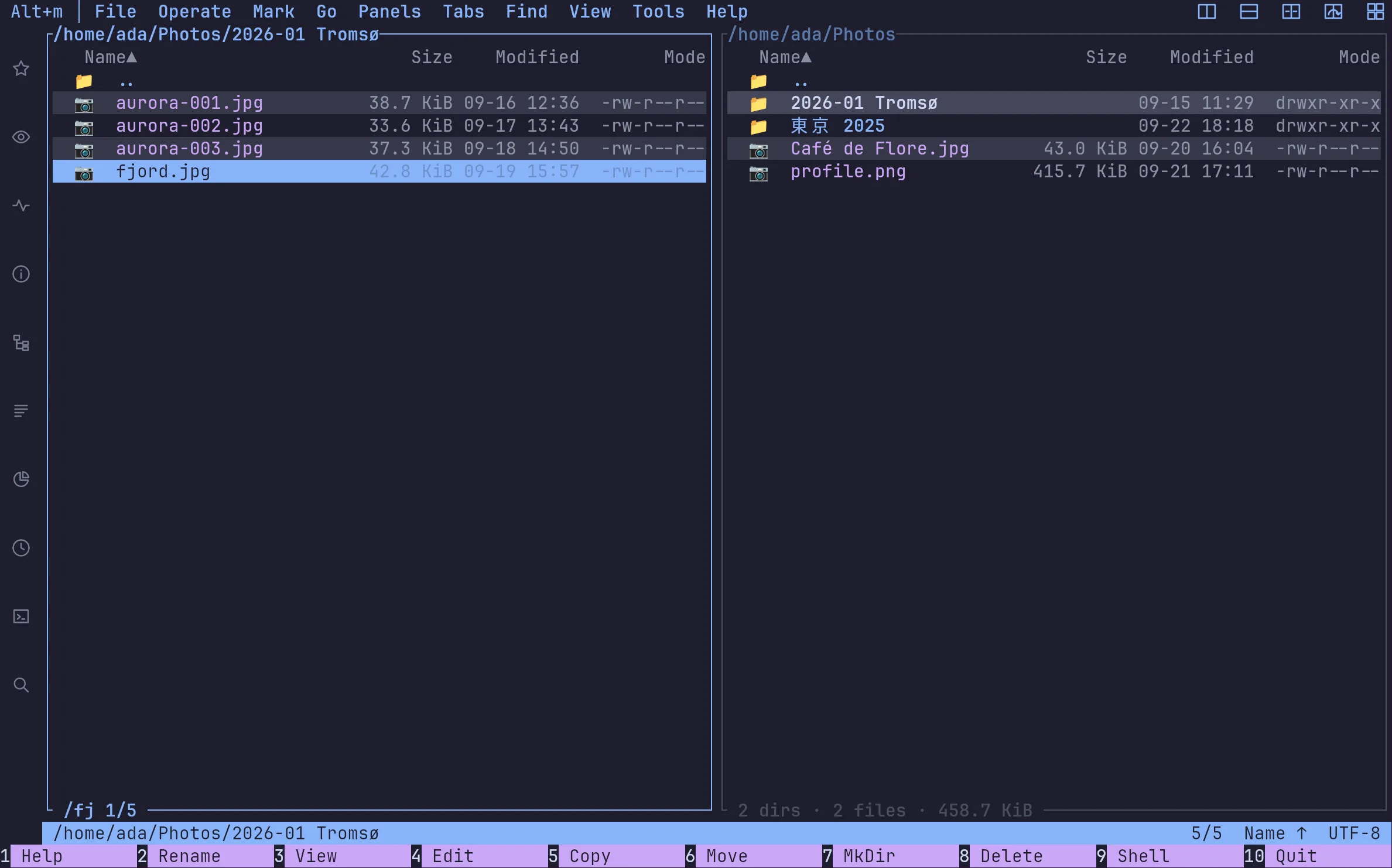
Type to jump

ADR 0155

Type to jump

In the Krusader preset a letter jumps to the first name that starts with it.

ADR 0165–0166

Faster copies

Small files go four at a time, and on btrfs or XFS a local copy is an instant reflink.

ADR 0169

Big icons in the terminal

On kitty, Ghostty, WezTerm, Konsole or a sixel terminal, the panel column draws the window's icons.

ADR 0167

A journal that stops growing

norte journal compact drops old entries and the chain stays verifiable.

ADR 0172

Panels to the edge

Drop a panel on the window's edge and it takes the whole side.

Download

Ready to point north?

Install the Linux alpha today, or build norte anywhere Rust runs. No account and no telemetry.

Terminal · Linux x86_64v0.3.0-alpha.16

ntc — the file manager

$curl --proto '=https' --tlsv1.2 -LsSf https://github.com/compilando/norte/releases/download/v0.3.0-alpha.16/norte-tui-installer.sh | sh

norte — daemon, CLI, MCP

$curl --proto '=https' --tlsv1.2 -LsSf https://github.com/compilando/norte/releases/download/v0.3.0-alpha.16/norte-cli-installer.sh | sh

The window · one bundle, three binaries

Windows · first preview, unsigned

Each package carries norte and ntc with it, so a clean install always has a daemon to talk to.

Linux x86_64, and a first Windows x86_64 preview. macOS builds from source; binaries come the day releases are built in CI.